AI Receptionists for Professional Services: How They Work and What They Cost
Professional-services firms lose revenue every time a call goes unanswered. A Sydney law firm misses an after-hours enquiry from a prospective client. A Melbourne accounting practice loses a lead because reception was on another call. The client rings someone else.
An AI receptionist answers every call, captures enquiry details, and books appointments into your calendar — without adding headcount. Here's what you need to know.
What an AI receptionist actually does
An AI receptionist is software that answers your business phone line, understands what the caller needs in plain English (or any language your clients speak), and takes the appropriate action:
Answers calls 24/7 — after hours, during lunch, when reception is on another line
Captures enquiry details — name, email, phone, nature of enquiry
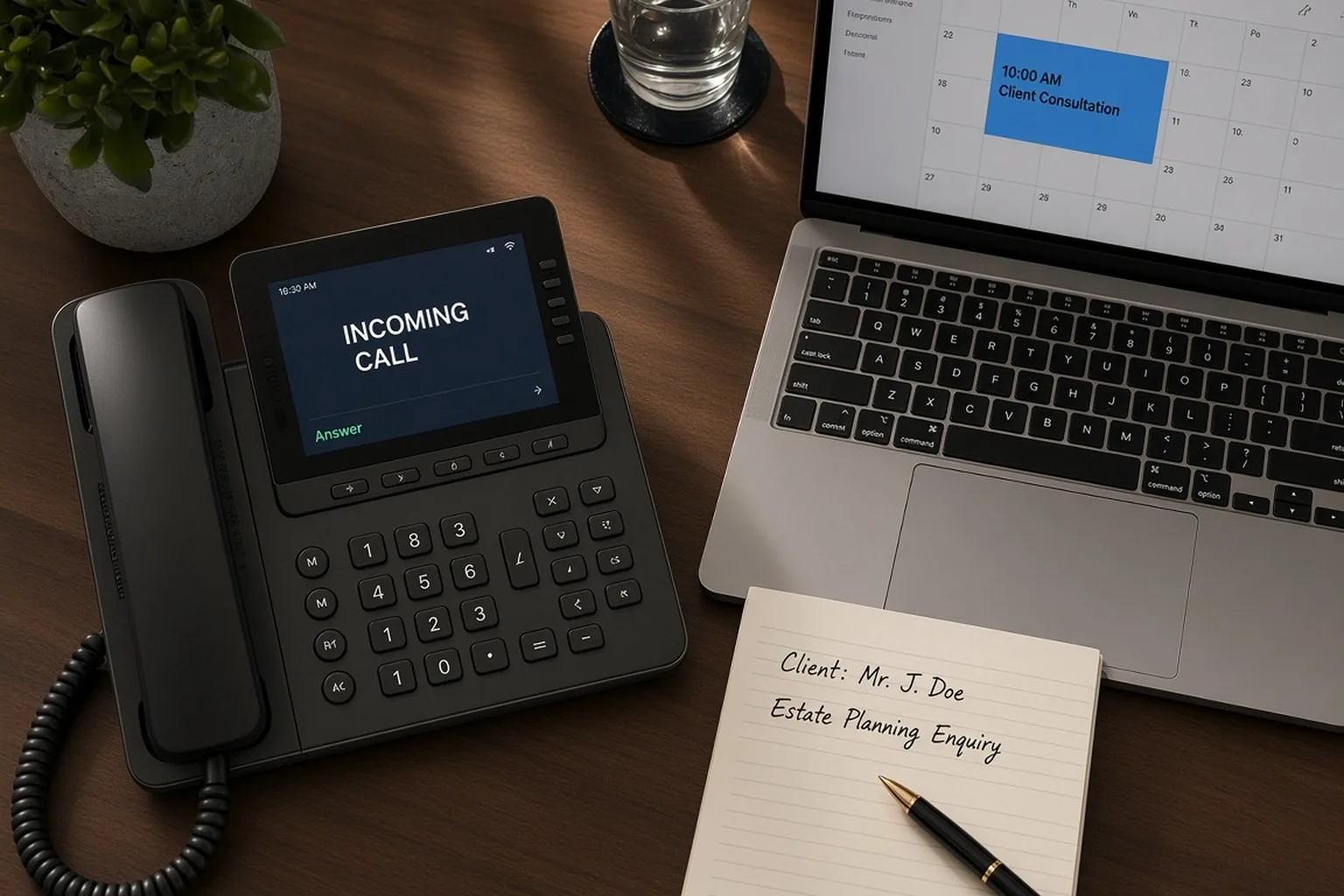
Books appointments — checks your calendar availability and books directly
Routes to the right person — transfers urgent calls to the appropriate team member
Sends summaries — emails or texts you a transcript of every conversation
The technology behind it is conversational AI — the same large language models that power ChatGPT, but purpose-built for phone conversations and integrated with your calendar, CRM, and practice management software.
Why professional-services firms are adopting AI reception
Law firms and accounting practices are early adopters because they share a common problem: high-value enquiries arrive unpredictably, and missing one call can mean losing a $50,000 client engagement.
The cost of a missed call
A 2023 BrightLocal study found that 67% of callers won't leave a voicemail if their call goes unanswered. They ring the next firm on their list. For professional services, that one missed call often represents:
A new client engagement worth $10,000–$100,000+
A referral from an existing client
Time-sensitive work (tax deadline, court date, compliance matter)
Why human reception isn't always the answer
Hiring a full-time receptionist costs $55,000–$70,000 per year (including on-costs). For a small practice, that's significant overhead. More importantly:
Humans need breaks, sick days, and holidays
After-hours coverage requires shift work or an answering service
Peak call times (Monday mornings, end of financial year) overwhelm a single person
An AI receptionist provides consistent coverage at a fraction of the cost.
How AI reception integrates with your practice
AI Smarter builds AI reception as part of AIOS (AI Operating System) — the intelligent layer above your existing tools. The integration typically looks like this:
1. Phone system connection
Your existing phone number forwards to the AI system. Callers hear a natural voice (Australian accent, professional tone) that sounds indistinguishable from a human receptionist.
2. Calendar integration
The AI receptionist connects to your Google Calendar, Outlook, or practice management system (LEAP, Actionstep, Xero Practice Manager, etc.) and books appointments in available slots based on rules you set.
3. CRM and practice management
Every enquiry creates a contact record in your CRM or opens a matter in your practice management software. No manual data entry.
4. Email and SMS notifications
You receive a transcript of every conversation via email or SMS, including the caller's details and what they need. You choose how quickly you want to be notified.
5. Handoff to humans when needed
Some calls still need a human — an existing client with an urgent question, a complex legal matter that needs qualification, a caller who explicitly asks for a person. The AI recognises these situations and transfers the call immediately.
What AI reception costs for Australian practices
AI reception is typically priced per month with unlimited calls, or per call/per minute for lower-volume practices. Here's what Australian providers charge:
Entry-level AI phone answering: $150–$300/month for unlimited calls
Integrated AI reception (with CRM/calendar booking): $500–$1,500/month
Custom AIOS build with AI reception: $20,000–$50,000 (one-off build cost), then $500–$1,500/month for hosting and AI usage
Compare this to human reception:
Full-time receptionist: $55,000–$70,000/year ($4,600–$5,800/month)
Answering service (after-hours): $200–$800/month for limited hours
For most professional-services firms, AI reception pays for itself within the first month by capturing leads that would otherwise be lost.
Real-world example: Perth law firm
A Perth legal practice implemented AI reception in August 2024. Before AI:
40% of after-hours calls went to voicemail
Of those, fewer than 20% left a message
Estimated 8–10 lost enquiries per month
After AI reception (measured over 3 months):
100% of calls answered
70% increase in conversions of new enquiries
12 new client engagements directly attributed to after-hours enquiries
The firm pays $800/month for AI reception as part of their AIOS build. The first new engagement paid for the system for the entire year.
What AI reception can't do (yet)
AI receptionists are not perfect. Here's what they still struggle with:
Complex qualification — a caller with a niche legal matter that needs 5 minutes of back-and-forth to determine fit. Human judgement is still better here.
Emotional nuance — a distressed caller needs empathy and patience. AI can be polite and professional, but it lacks human warmth.
Multi-party calls — conference calls or calls where multiple people are speaking over each other still confuse AI systems.
For these situations, the AI transfers to a human immediately rather than attempting to handle it poorly.
Data residency and security
For Australian professional-services firms, client confidentiality is non-negotiable. AI Smarter builds AI reception on AWS's Sydney region (ap-southeast-2), which means:
Every call recording and transcript stays in Australia
No client data touches an overseas server
Encryption at rest and in transit as standard
Law firms bound by professional-conduct rules and accounting practices handling sensitive financial data can deploy AI reception without breaching their obligations.
How to implement AI reception in your practice
If you're considering AI reception:
Start with one use case — after-hours enquiry capture, or overflow during peak times. Don't try to replace your entire reception function on day one.
Set clear rules — define what the AI should handle (appointment booking, basic enquiries) and what should transfer to a human (existing clients, urgent matters).
Monitor for the first month — review transcripts, listen to how the AI handles different call types, and refine the script.
Measure the outcome — track missed calls before and after, plus how many enquiries convert to booked appointments.
AI Smarter offers a free AI audit where we walk through your current enquiry-handling process and identify where AI reception would deliver the highest leverage. Book here.
Related reading
About AI Smarter: We build AIOS (AI Operating System) for Australian professional-services firms. Every piece of client data stays in Australia. Learn more or book a discovery call.